r/selfhosted

ID Type Limit Status Last Update Next Update
r-selfhosted reddit 10 Enabled 37 minutes ago 6 hours from now
Posts History Gallery Config RSS JSON

Posts (10)

Found some strange GET requests in my Traefik access logs. Anyone else saw this poor kid trying to escape from Belarus ?

Published: 13 hours ago | Author: Worldly_Topic

image

⬆️ 380 points | 💬 56 comments

Because we are a self hosting family that's why.

Published: 19 hours ago | Author: BobButtwhiskers

image

Found this and want to share it.

⬆️ 1,191 points | 💬 46 comments

Accidentally exposed publicly my entire LAN for 2 weeks

Published: yesterday | Author: ldkv

Posting this as a PSA / confession because I almost had a heart attack last night and I figure if I got bit, someone else will too.

TL;DR: Replaced pangolin + NPMplus with a double-Caddy + WireGuard setup. Put a "clever" config on the local Caddy to minimize maintenance. Tested it once and called it a day. Two weeks later realized my entire LAN was reachable from the public internet via the wildcard tunnel.

The setup (or: how I outsmarted myself)

I used to run pangolin (VPS) + NPMplus (local proxy for split DNS) to selectively expose my services. The setup worked fine, but having to click through two different web UIs every time I added a new service was offending my inner lazy engineer. So a few weeks ago I decided to replace them both with a double Caddy setup linked by a WireGuard tunnel.

The Caddyfile on the VPS side is a dumb catch-all that punts everything down the tunnel (first mistake):

*.mydomain.com {
  route {
        reverse_proxy http://10.0.0.2:9999
    }
}

And the local Caddyfile:

# Listen on both the Tunnel (Port 9999) and LAN (Port 80/443)
http://:9999, *.mydomain.com {
    map {host} {vars.is_public} {
        public1.mydomain.com true
    public2.mydomain.com true
        default false
    }

    @vps_unauthorized {
        expression "{local_port} == '9999' && {vars.is_public} == 'false'"
    }
    handle @vps_unauthorized {
        abort
    }

    @public1 host public1.mydomain.com
    handle @public1 {
        reverse_proxy 192.168.1.100:8000
    }

  @local1 host local1.mydomain.com
    handle @local1 {
        reverse_proxy 192.168.1.101:8001
    }
}

The "clever" bit is the matcher in the middle (second mistake). The idea: "if the request came in via the tunnel (port 9999) AND the host isn't on my public allowlist, kill it." This way I get split-horizon DNS while only having to maintain one single local Caddyfile.

I did a SINGLE (third mistake) quick test from my phone on cellular: public1.mydomain.com loaded, local1.mydomain.com returned a connection error. I went to bed feeling like a genius.

The heart attack moment

Fast forward about two weeks. I was out and accidentally tapped local1.mydomain.com on my phone. It loaded instantly.

I aged five years in about ten seconds. For the past two weeks, anyone who had bothered to enumerate subdomains on the VPS could have walked straight into my LAN, including services with zero authentication (you know which). So much for the elegant solution.

The cleanup afterwards was time consuming. I yanked the VPS tunnel, rotated every credential I could think of, scoured Caddy access logs (thank god I had them on) for anything suspicious, and spent a solid hour combing through logs of my unprotected services.

In the end I think I got away with it because nobody bothered to brute force my VPS (which was also protected by crowdsec), but "security through nobody-bothered" is not a posture I want to be in.

Lessons learned

  • Explicit blocking on the VPS side is non-negotiable. The little maintenance overhead is worth it for the security benefits. Another benefit is that it minimize useless traffic hitting my local server. I wasn't able to pinpoint what was wrong with my "clever" expression, so just ended up scrapping it and added the following line to the VPS Caddyfile: @public header_regexp Host ^(public1|public2)\.mydomain\.com$. Yes I'm still very lazy here with the concise regex, but this time I made sure to test it correctly 😅

  • "It worked when I tested it" is not the same as "it's doing what I think it's doing." Test both the happy path AND the path that's supposed to fail, from outside, more than once. One green light is not a security audit.

  • Protect local services with authentication. Even a simple HTTP auth layer would have saved me a lot of stress here, and it's not like I don't have the tools to set it up. I was just too lazy and thought nothing could ever happen.

This incident has been a wake-up call to my complacency and lack of rigor when it comes to security. Post the story and the broken config above as the cautionary tale. Don't be me 💀.

⬆️ 341 points | 💬 76 comments

Puter 26.05: Open-source, self-hosted, Internet OS! 2 years, 370 contributors, 400K downloads, and 40K stars later, we're out of beta!

Published: 2 days ago | Author: mitousa

https://github.com/heyPuter/puter/

⬆️ 242 points | 💬 61 comments

AirPipe v4: my self-hosted file transfer is now true peer-to-peer

Published: 2 days ago | Author: Frag_O_Fobia

image

I posted about AirPipe here a few months back. Been working on it pretty much non-stop since. v4 just shipped.

Heads up, video editing isn't my strong suit, sorry for the artifacts and quality. Hope it conveys what the thing does.

The big change: files go peer-to-peer over WebRTC. Sender picks how the relay helps. Either as a signaling relay (your bytes flow directly between the two devices), or as an encrypted 10-minute mailbox (relay holds the ciphertext if the receiver isn't online yet).

Either way, the relay only sees ciphertext.

Sender picks the mode. Receiver types the passphrase anywhere. Homepage, CLI with airpipe download <PHRASE>, or scan the QR. One code, three ways in.

Try it: open airpipe.sanyamgarg.com in two browsers and share a passphrase between them.

Self-host the relay in one container, or use mine:

docker run -p 8080:8080 ghcr.io/sanyam-g/airpipe-relay

CLI for headless boxes:

curl -sSL https://airpipe.sanyamgarg.com/install.sh | sh
airpipe send report.pdf

Source: github.com/Sanyam-G/Airpipe (MIT)

⬆️ 227 points | 💬 32 comments

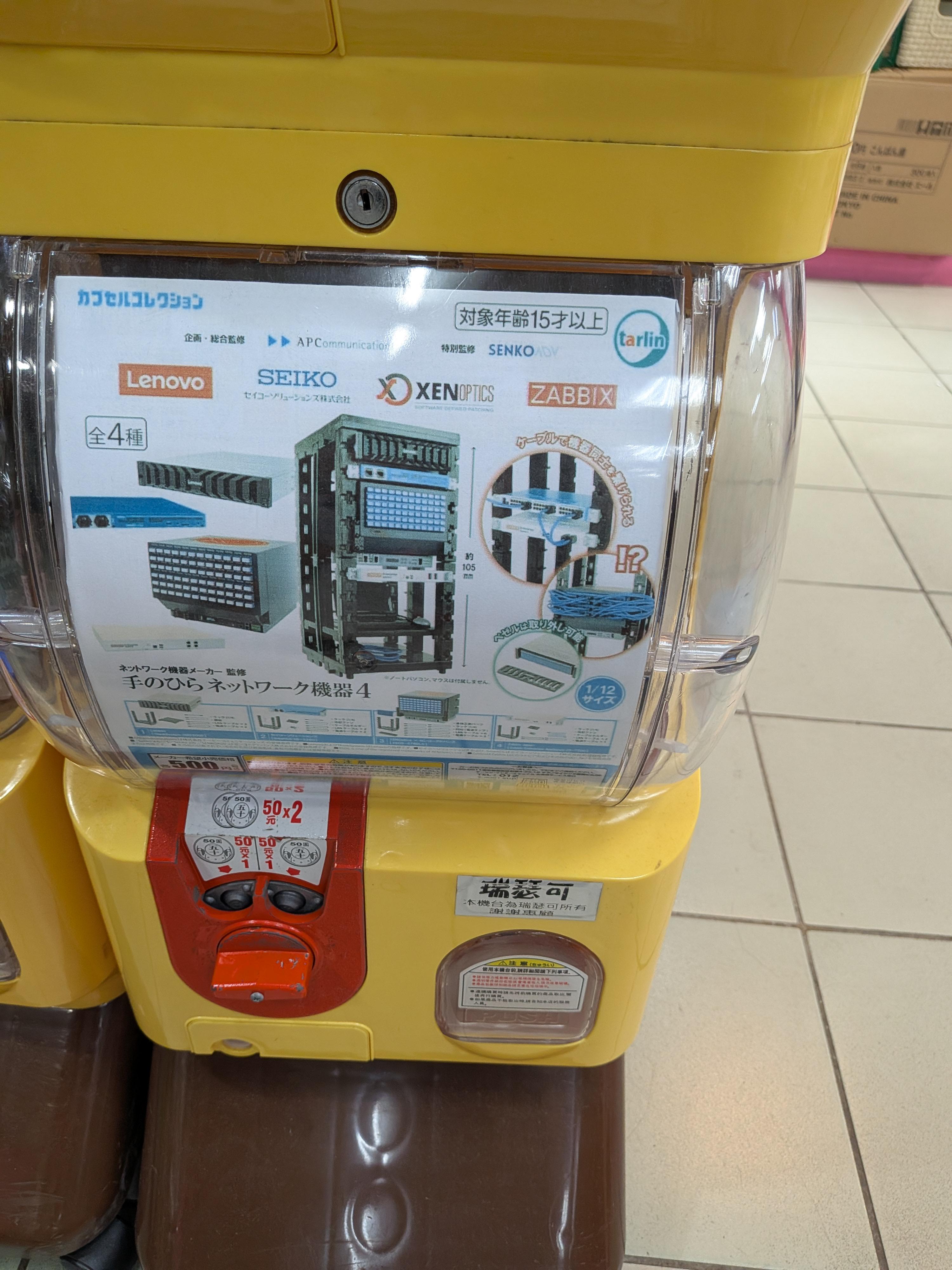
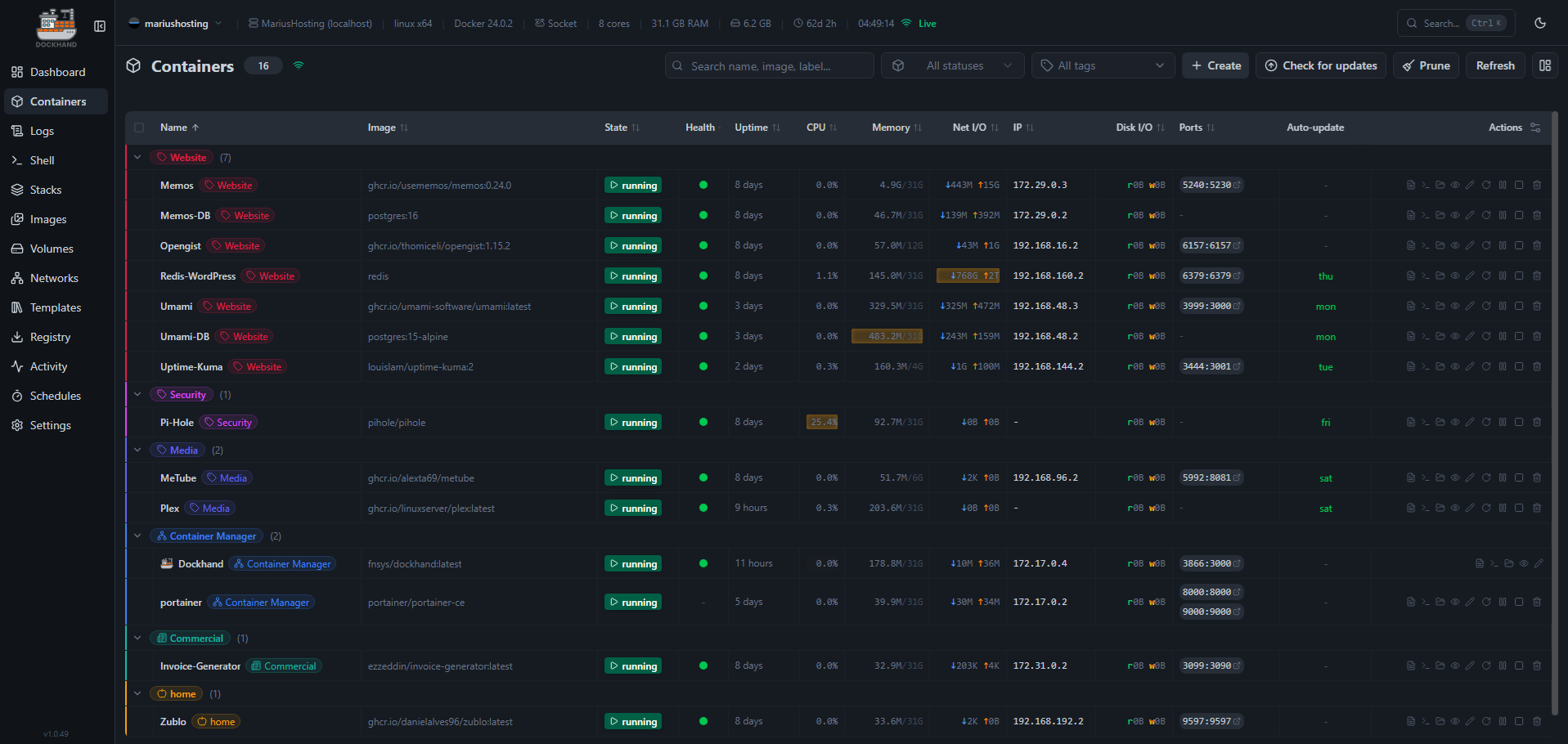
Girls come and go, Docker Servers stay

Published: 3 days ago | Author: Matletic

image

⬆️ 715 points | 💬 58 comments

Docker bypasses UFW and exposed my database. Again. Writing this down so I stop forgetting

Published: 3 days ago | Author: Substantial_Word4652

Docker bypasses UFW and exposed my database. Again. Writing this down so I stop forgetting.

Self-hosters, this one is for you.

I finish setting up a new app on my VPS, everything looks good, then I run a security check and boom. Same mistake again. Docker silently bypassing my firewall and exposing my database to the internet.

This has happened to me more than once. I keep forgetting it, so I'm writing it here as a reminder for myself and hopefully useful for someone else running their own server.

When you're using docker compose in production on a VPS, remember:

Don't expose database ports unless you absolutely need to. And if you do, don't do this:

ports:
  - "5432:5432"

Do this instead:

ports:
  - "127.0.0.1:5432:5432"

Why does this matter?

Docker manages network rules at a very low level on Linux. When you publish a port, it sets up routing rules directly in the system networking stack. So if you don't explicitly bind it to localhost, you're effectively exposing that service on the machine's public network interface.

And if you're thinking "it's fine, I have UFW enabled", not necessarily. UFW is just a frontend for Linux firewall rules, and Docker bypasses it by manipulating those rules directly. Your database might still be exposed even with the firewall on.

Has anyone else been caught by this?

⬆️ 321 points | 💬 194 comments

You guys are begging people to start lying on AI disclosures

Published: 3 days ago | Author: EmergencyRadiant8038

image

I understand and am against using AI without any idea of what is going on, but when the community pulls of things like this, the next time this person posts -- or if someone about to posts sees this -- what do you think they will be? Honest? No, and I won't blame them if I start to see false claims.

⬆️ 614 points | 💬 222 comments

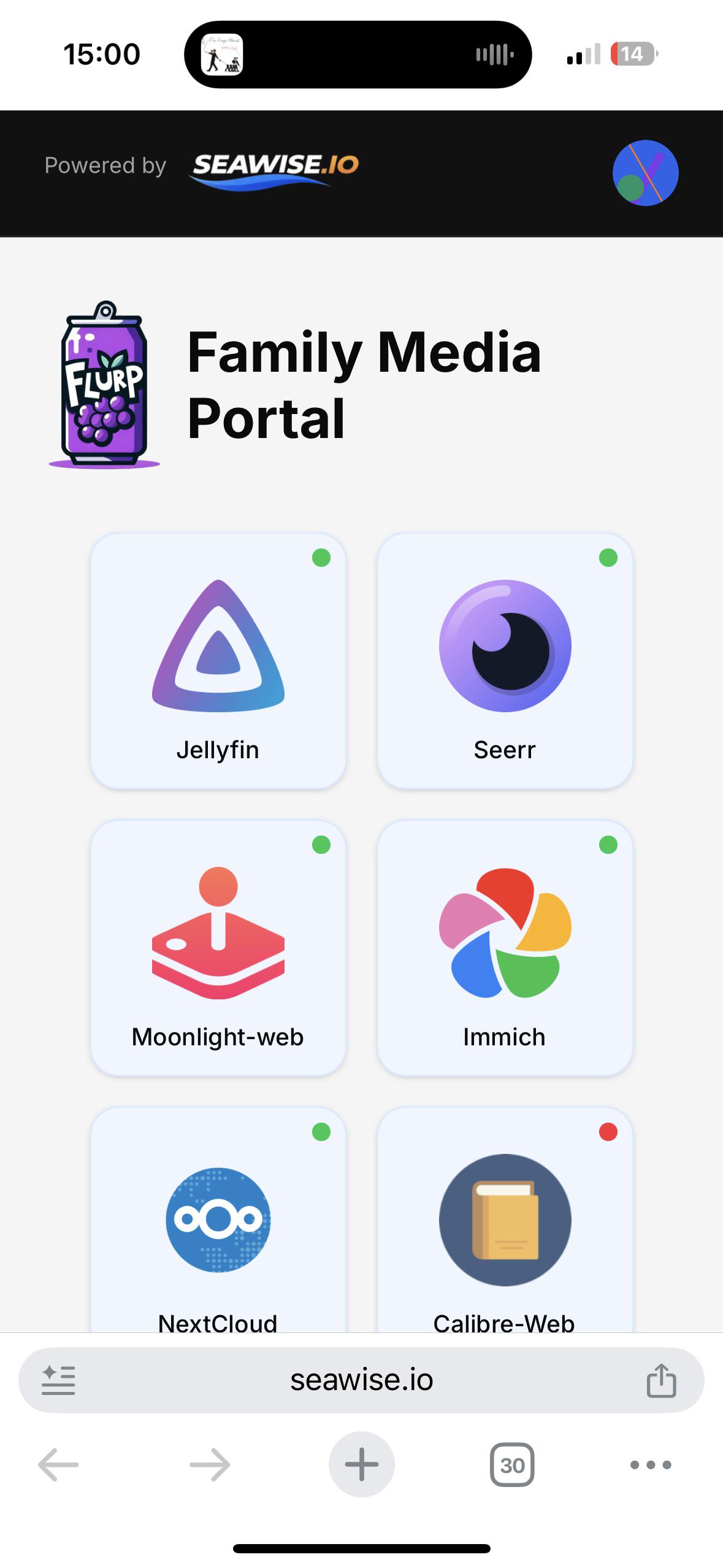
After years of using Heimdall ... I've finally moved to Dashy

Published: 4 days ago | Author: swake88

image

⬆️ 259 points | 💬 46 comments

Which services are you exposing to the internet, and how are you securing them?

Published: 6 days ago | Author: sysadmin_light

I keep thinking about things like SSO and it's got me curious, how are all of you locking down your public-facing services?

Currently, I've got only a select few - primarily Seerr, Immich, Mealie, and FoundryVTT - publicly exposed via SWAG (with geo-ip blocks) so that friends and family can access them without needing extra apps like Tailscale on their devices.

I know all of the services I make available have their own login prompts, but knowing how some projects can be, I figure things could always be more secure, so I'm curious to hear how everyone else does it.

⬆️ 230 points | 💬 166 comments