Digest: r/selfhosted: Sep 18 - Sep 25, 2026
Published: 3 days ago | Author: System
Hey Portainer, Dockhand is my new home.
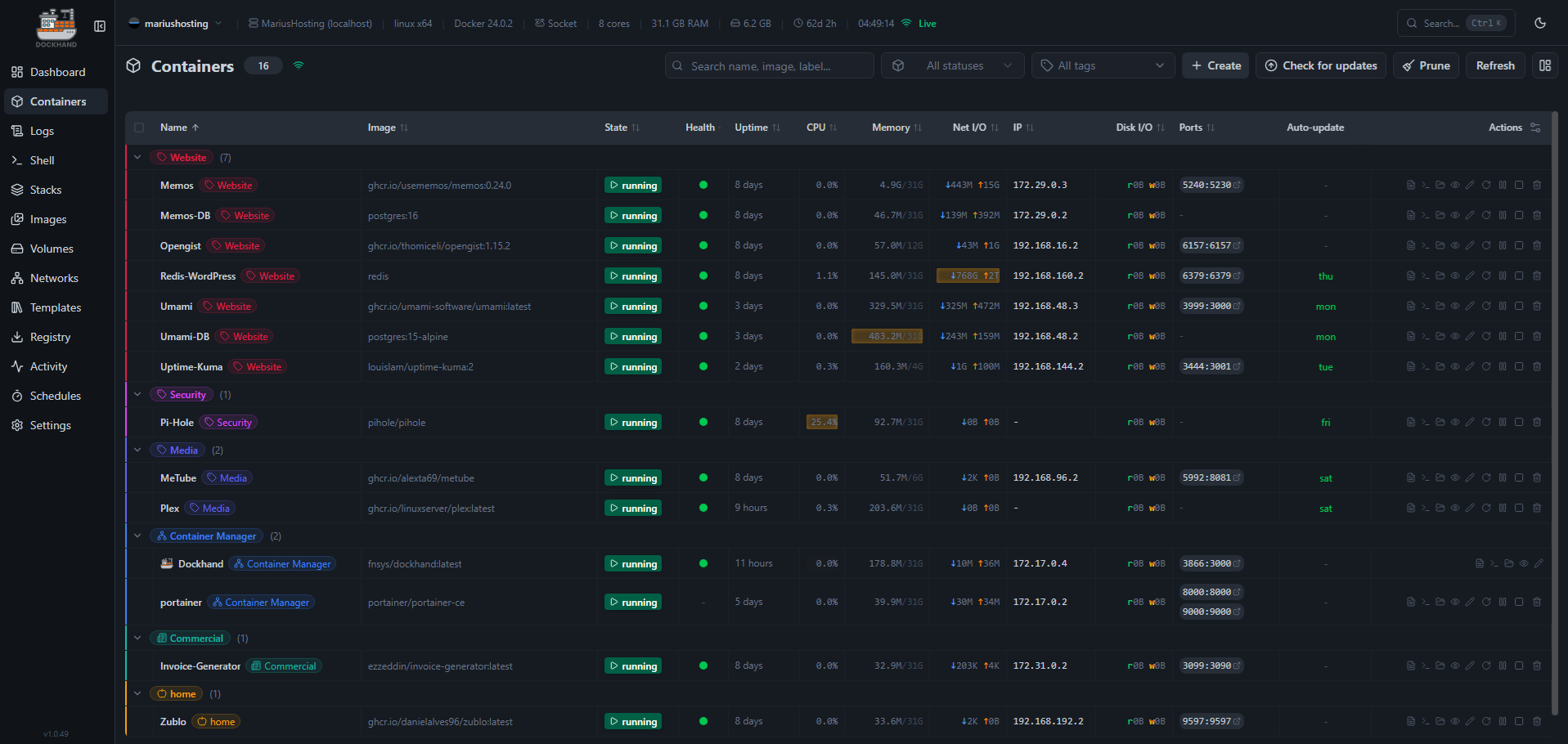
After years of solid service, it’s time for a change. I’ve moved to Dockhand in my home setup (mariushosting) and damn, it just feels right. Cleaner interface, smoother workflow, and that fresh energy the selfhosted world always needs. No hard feelings, guys, just evolution.
Thanks for everything, Portainer. Welcome home, Dockhand.
Anyone else already made the switch?
⬆️ 1,235 points | 💬 174 comments
autobrr team just announced Librarry. replacement for sonarr and radarr
From their discord
Finally some news 👀
@everyone It's been pretty quiet since we posted the 2025 Year in Review, but now there is some news about our arr alternative!
I'm happy to announce librrary! One app for movies and TV, from the team behind autobrr and qui.
It is NOT ready yet, but we are getting close to user testing!
Why? What's wrong with Sonarr and Radarr?
Sonarr and Radarr work well if your needs are simple. As soon as you want both HD and 4K libraries, you need multiple instances. Then you need to keep those in sync with everything that comes with it.
It's not uncommon for users to run 4-6 arrs to fill their needs. This means more to manage, more resources, more hits on indexers and so on.
With so much duplicated between them, it makes a lot of sense to combine movies and TV into one application.
A big thanks to everyone who posted in the feedback thread! It was super helpful! Keep it coming: Ideas discussion
What we are building
- Multiple libraries by content type (similar to Plex), where each title can have several variants (1080p, 2160p, remux, DV)
- Arr-like Quality Profiles and Release Scoring Rules (think to Custom Formats)
- Torrent and Usenet support via Torznab/Newznab (will need Prowlarr/Jackett etc)
- Users with roles, plus OIDC login
- SQLite or Postgres
- Notifications with your favorite services (Notifiarr, Discord, Telegram etc.)
- Lists support
- Go backend, React frontend, Docker images and binaries for Linux, macOS and Windows
On the roadmap
- Built-in requests (don't worry, there is a strong user role access system)
- Import from Sonarr and Radarr
- Optional manual upgrade approvals
- Trump handling: watch the torrent client for trumped/nuked tracker messages and take webhooks from external tools like qui
- Potential Plex, Jellyfin and other media server integrations, including deleting titles after they're watched (request, dl, import, watch, delete)
- Various features from the feedback thread
Other media type support
It's built to be modular, so dedicated anime handling, books and music are possible later, but movies and TV come first.
When?
No release date yet. Sign up for news here: https://librrary.app/ Updates will also be posted in this channel.
Support the development <:peepolove:1035253194969845890>
If you want to chip in:
https://github.com/sponsors/zze0s https://buymeacoffee.com/ze0s https://ko-fi.com/theze0s https://autobrr.com/support#cryptocurrency
⬆️ 834 points | 💬 481 comments
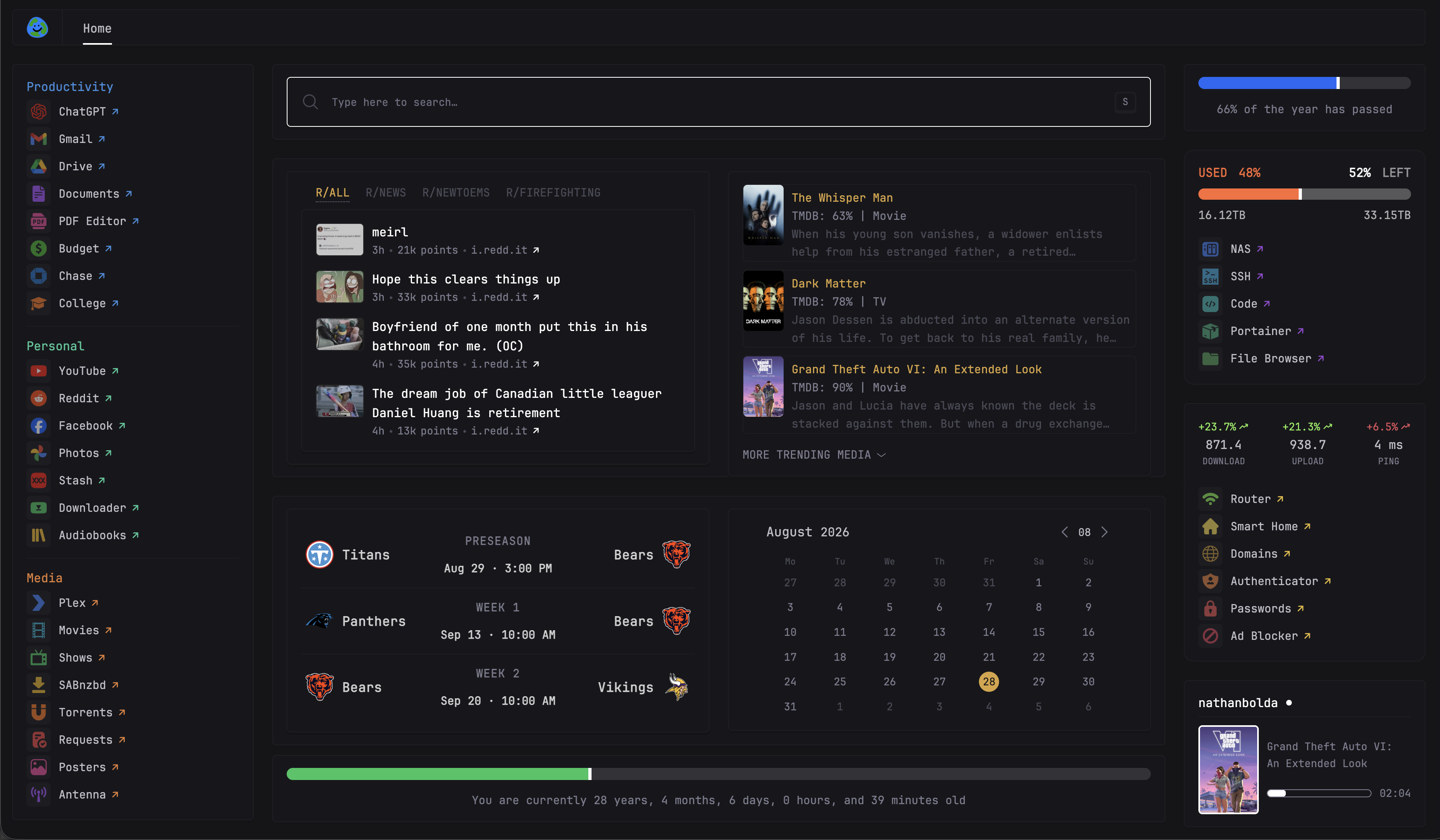
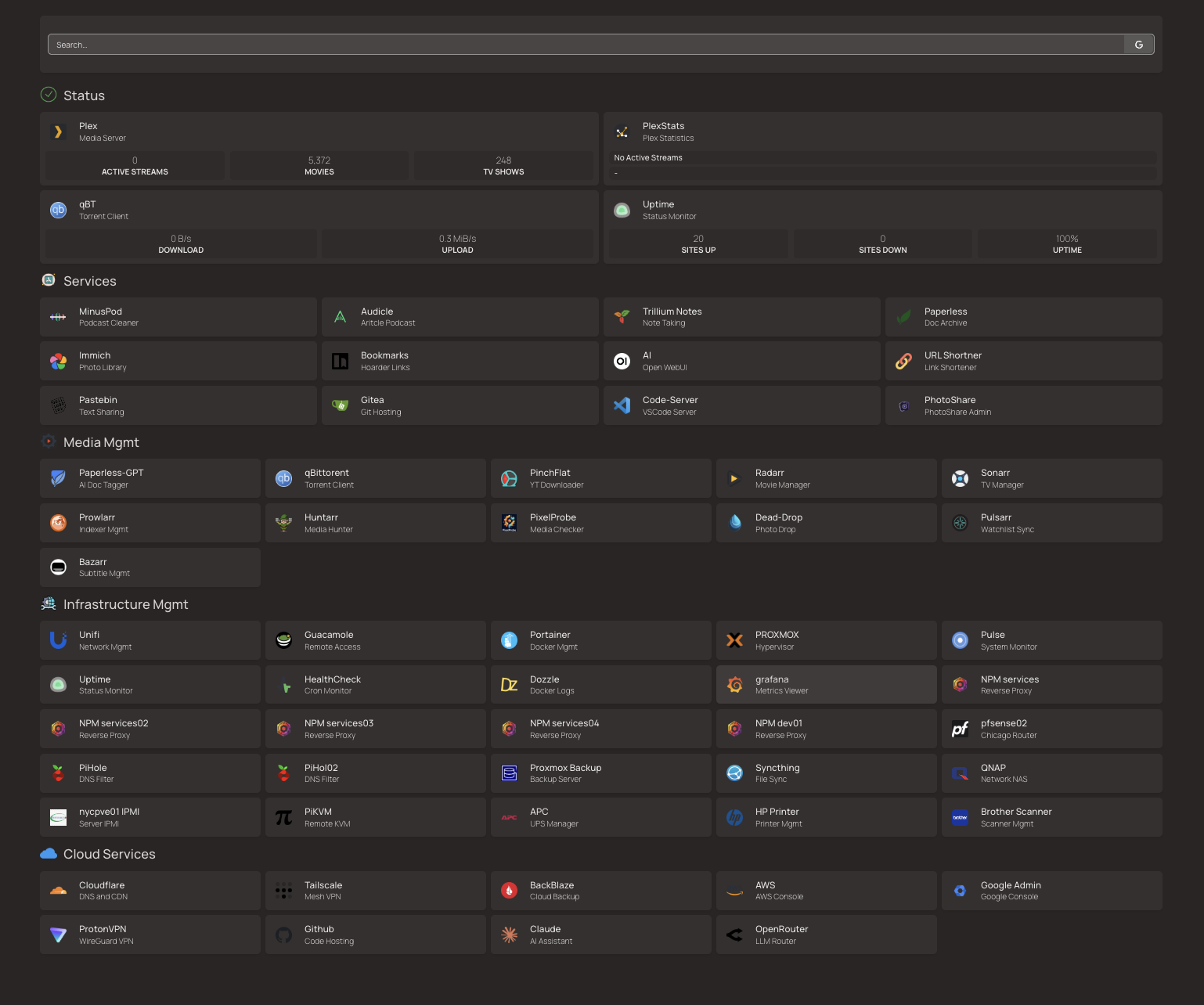
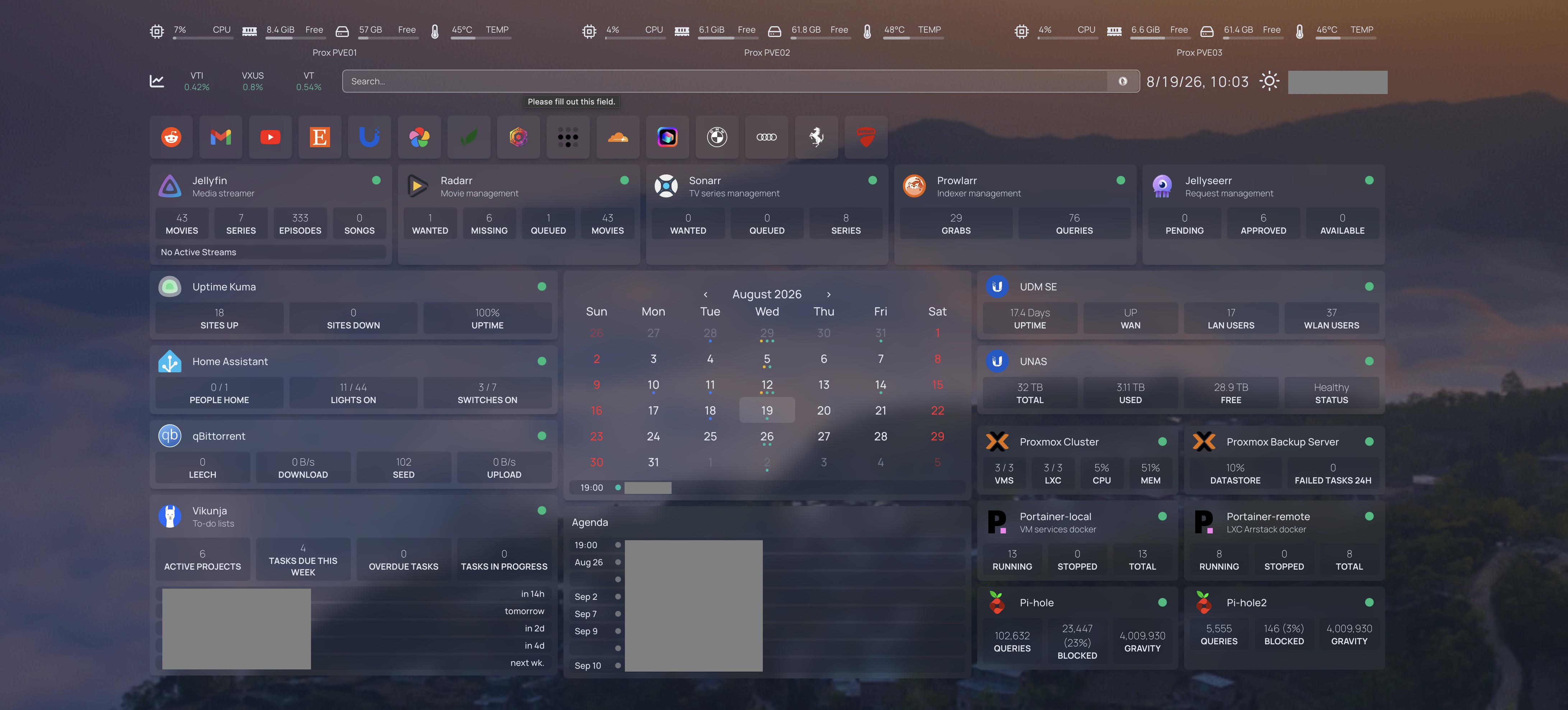
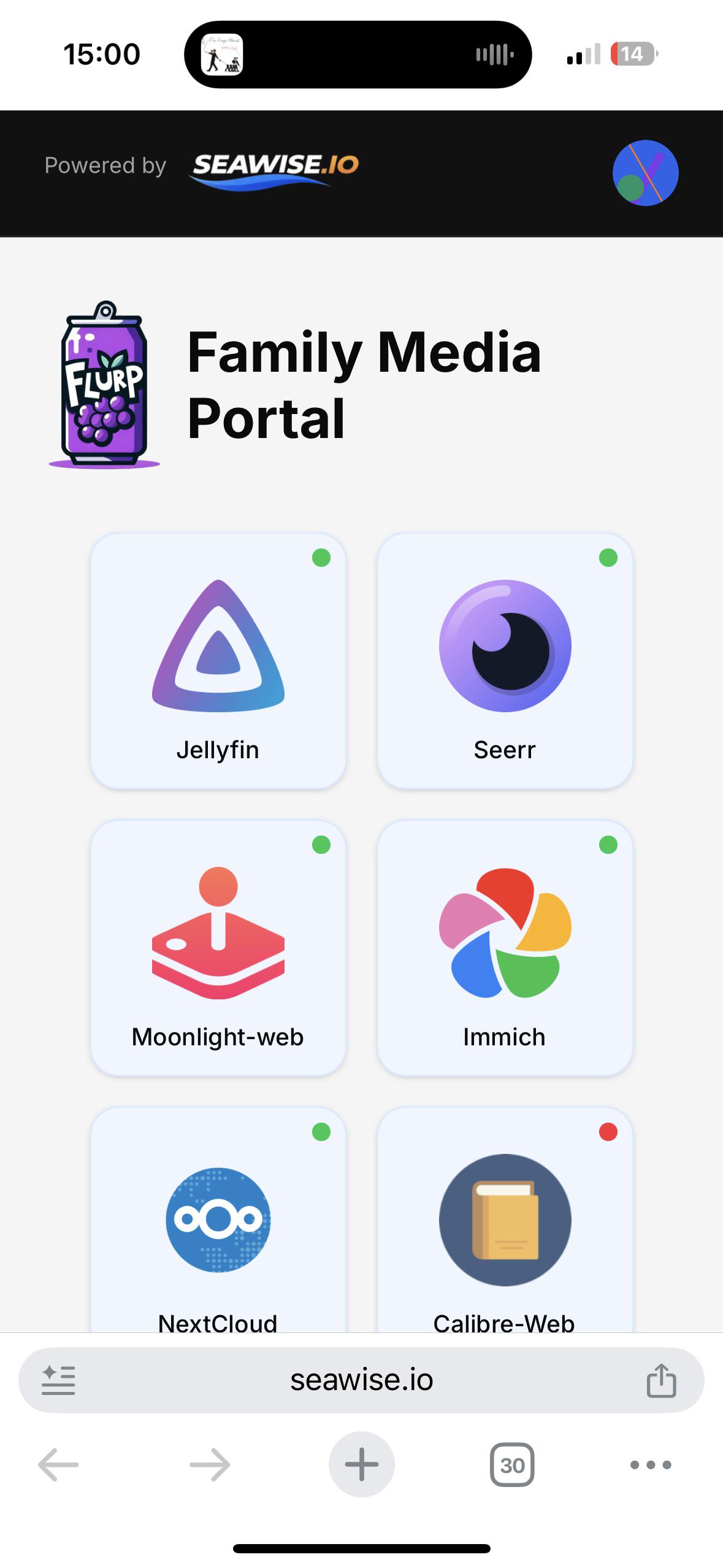
Finally have my family using my server!
Hello,
I just finished setting up a portal for my family to use, and wanted to show it off.
I Just finished setting up the gaming server using moonlight-web and Wolf so everything I host is now in a container, I thought putting it all in once place makes it easy for my family. Next im going to learn some networking!
⬆️ 816 points | 💬 95 comments
Portainer Cuts the Cord Between Its Free and Paid Editions.
https://itsfoss.com/news/portainer-community-edition-freeze/
For the people that are unaware or haven't seen the news yet.
⬆️ 725 points | 💬 286 comments
NetWatch: a network monitor for the terminal
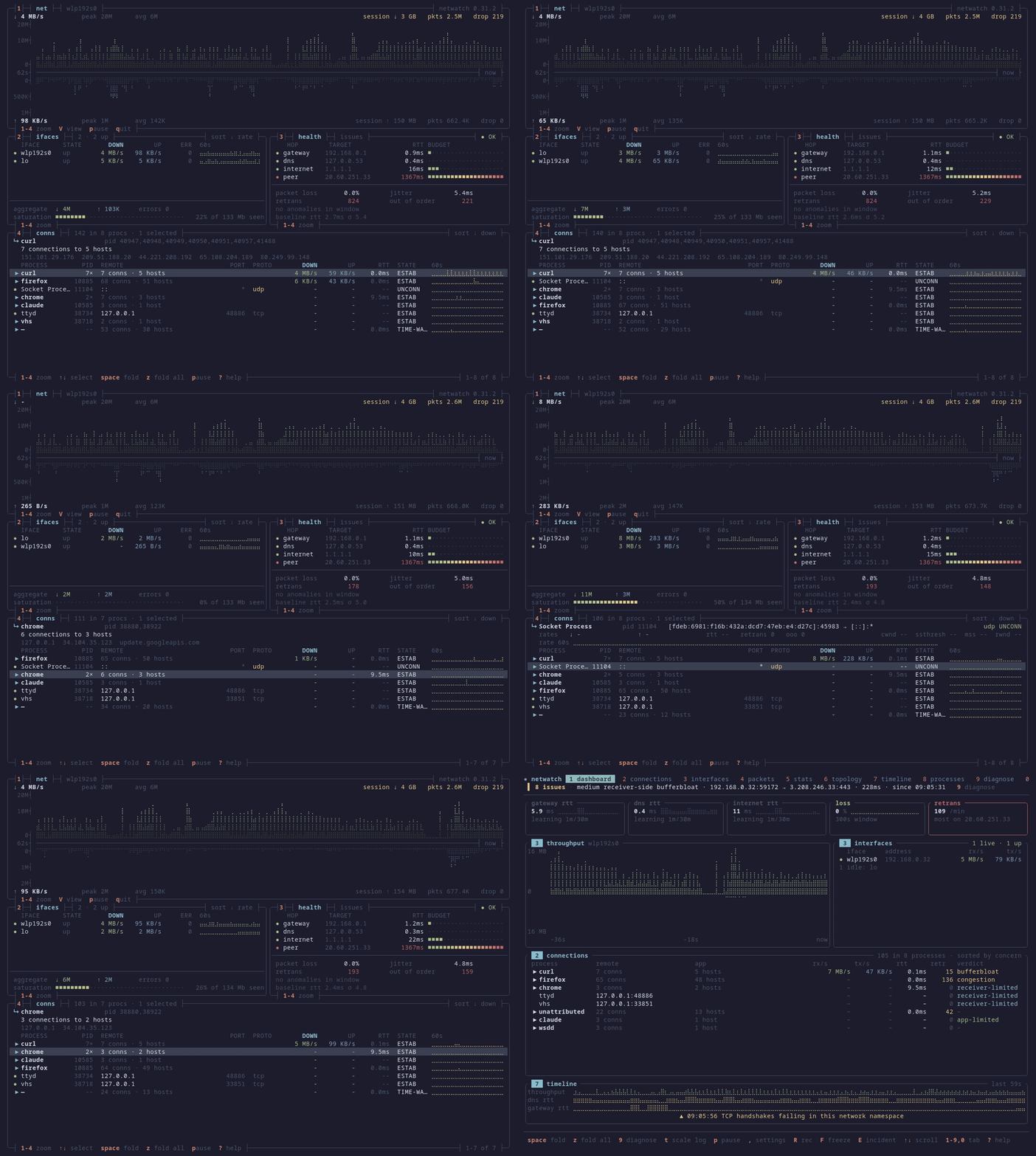
Ten tabs over your network, all one keypress apart:
- Every socket with the process behind it, PID, TCP state, GeoIP, RTT and retransmits. Attribution comes from platform socket polling, PKTAP on macOS, and an optional eBPF kprobe on Linux.
- Live packet decode with display filters, stream tracking, JA4 fingerprinting and PCAP export.
- TLS 1.3 and 1.2 decryption for sessions you hold the keys to. Point a client's SSLKEYLOGFILE at NetWatch and the plaintext decodes in the Packets tab, same mechanism as Wireshark.
- A diagnostic engine that learns per-metric baselines, opens an issue when one breaks, ranks the causes by the checks that separated them, and closes the issue only once the fix has held. No model involved.
- Egress drift. It learns which hosts, autonomous systems and ports each process reaches, you promote that to a rule, and the next new destination shows up flagged. Observes only, never blocks.
- Background detection for C2 beaconing, port scans and DNS tunnelling. A critical alert freezes the flight recorder so the bundle exists before you go looking.
- Throughput, interfaces, protocol breakdown, traceroute topology, per-process bandwidth, and a timeline of connections by TCP state.
- Three layouts off one capture. V cycles them live: full ten tabs, --lite for 80x24, --view dense for four borderless boxes with braille throughput graphs.
macOS, Linux and Windows. One binary, no config. The Linux build is static with libpcap bundled in.
brew install netwatch
cargo install netwatch-tui
⬆️ 663 points | 💬 82 comments
Minipc is just a good pick for homelab
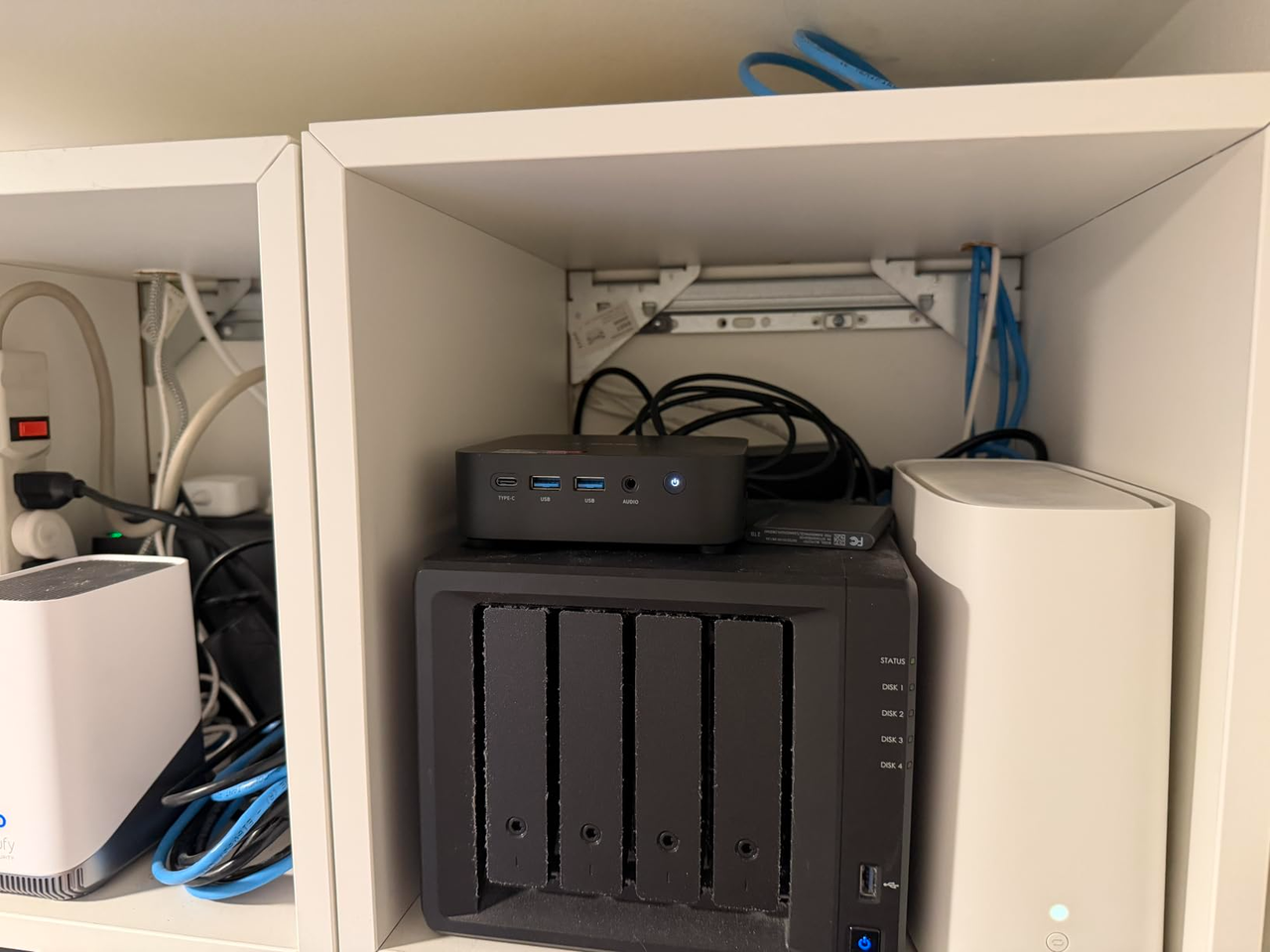
They've got good performance and run well, and I've got all my stuff running on them. The DAS is a bit old, but it still works fine.
Minipc: acemagic k1 (r7 7730u, 16gb ram, 1tb ssd)
External storage: samsung t7
Das: mediasonic probox
⬆️ 488 points | 💬 68 comments
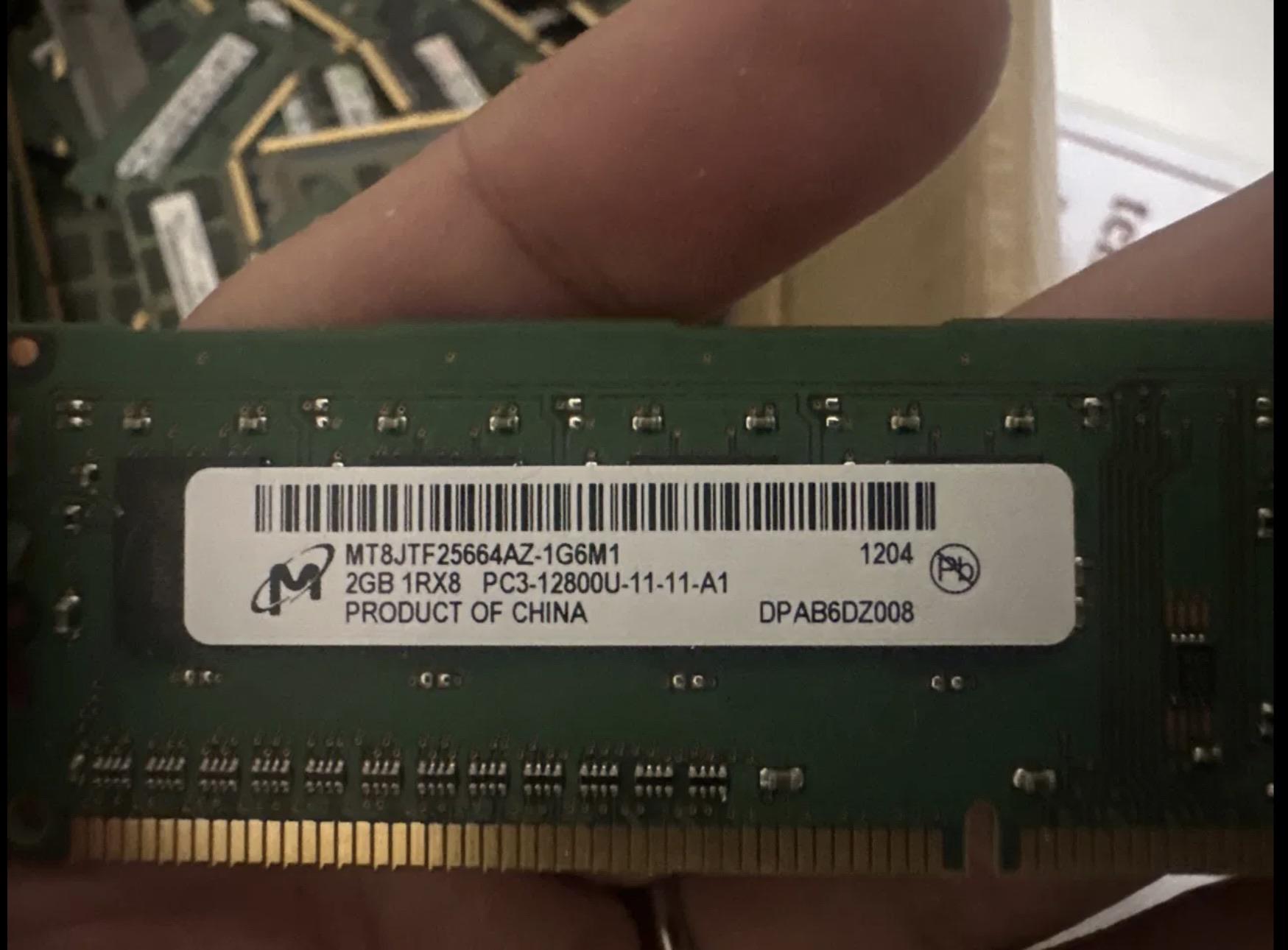
Raspberry Pi 5 EEPROM update now blocks manual RAM upgrades ("SDRAM mismatch" Error)
A heads-up for anyone doing hardware mods or custom upgrades on the Raspberry Pi 5:
As of the pieeprom-2024-09-23.bin update, the Raspberry Pi 5 now performs a hard RAM capacity check during boot:
2.41 Expected configuration 8 Gbit (0x07)
2.44 Actual configuration 32 Gbit (0x05)
2.48 USB-OTG disconnect
2.51 BOOT ERROR: code 9 - 'SDRAM mismatch'
If the EEPROM detects a RAM capacity that differs from the original factory configuration (written in OTP memory on the SoC), it throws Error Code 9 and refuses to boot.
Instead of letting skilled users repurpose loose RAM chips or upgrade their existing hardware to mitigate these insane market prices, they went out of their way to implement an artificial software wall.
It takes serious hardware skills and specialized equipment to desolder and upgrade BGA-packaged, soldered RAM on a board like this. Preventing power users who manage to do this from actually using their modified hardware. What technical or security justification is there for artificial bootloader locks on custom RAM, other than forcing customers to buy higher-margin, overpriced models? Imagine buying a desktop PC and not being able to swap the RAM or the SSD in it...
To make matters worse, any attempts on my side to bring this up or post about it on the official Raspberry Pi forums are getting deleted almost instantly.
At this rate, what’s next - serialized power supply checks on boot to block 3rd-party power bricks?
What are your thoughts on this move? Is there any legitimate stability or technical reason for hard-coding RAM limits in the EEPROM, or is this strictly anti-Right to Repair driven by corporate greed?
⬆️ 488 points | 💬 115 comments
Selfhosting is more important now than ever
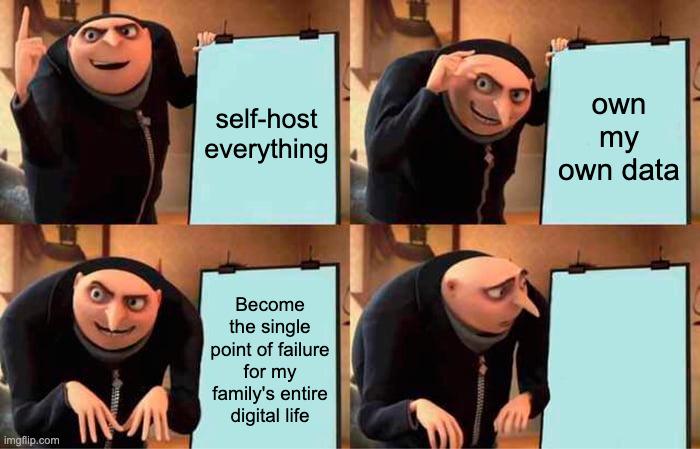
I'v been thinking recently with the AI safety incidents (hugging face, frontier labs whistleblowers etc.) how self-hosting is more important now than ever. Basically there there are three ways self-hosting impedes an oncoming cyber apocalypse - which leaving everyday services to centralized providers would accelerate. I'v boiled this down to:
- Data accessibility - our data on our infra means no 3rd party has unauthorised acccess like an employer/service provider/state would have access if we gave up the infra to someone else.
- Operational flexibility - we can choose when to stop/start/discontinue at the flip of a switch - physically/remotely/whatever we choose.
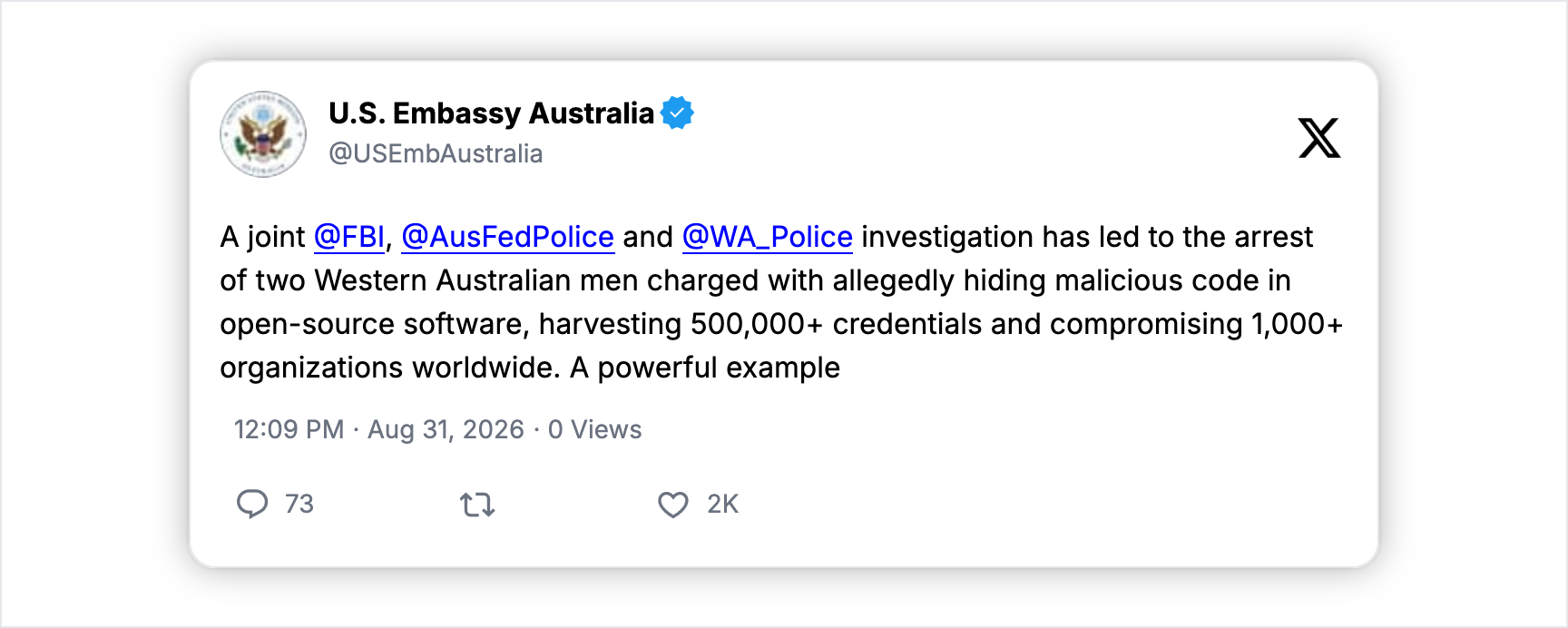
- Information sparsity - because its only Joe Blogs data it doesn't represent as big a target as say Gmail does on a global scale, individuals holding their own data adds difficulty (because different setup), less worth and more time and effort targeting numerous individuals. And don't give me that the big providers are more protected - I was around when heart bleed was a thing - anyone with knowledge of that vulnerability could pull raw memory from the biggest providers until it was patched.
With AI advancing at such an incredible pace, big data repositories which are information rich (because higher numbers of individuals data, as opposed to a singular data source, say) represent a higher priority target for malicious/nefarious actors (human or non-human)...
So self-hosting our critical data, our personal data our every-day seemingly benign data - the original promise of the distributed Internet before centralized providers sucked everyone in - is a service not only unto yourself, but everyone!
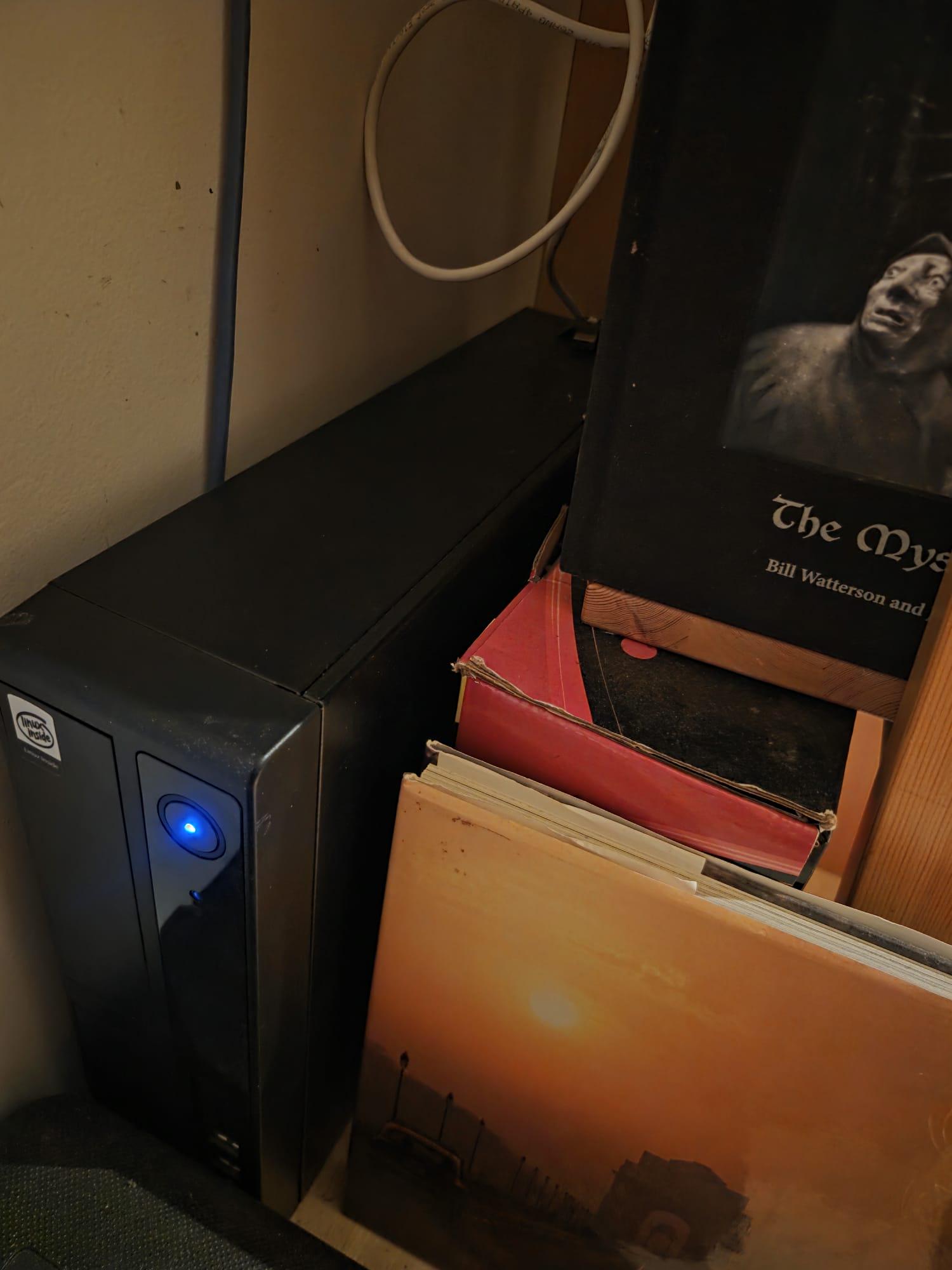
Photo of 10 year old 16GB i7 1TB SSD box running undisclosed operating system that would cost me ~$100USD /month from cloud provider only costing me ~20W avg or $3USD /month.
Yes I KNOW i need to take care of backups/power loss/internet connectivity/ security updates - its really not that hard and have had 1 power loss incident in 5 years, 99.9999% uptime baby
⬆️ 460 points | 💬 173 comments